There is a particular kind of boredom that arrives when you have ten free minutes and nothing worth starting. A large game is too much. Social media will swallow the whole break. You need a website that loads quickly, makes sense immediately, and lets you leave without losing progress.
These picks work well for short breaks at school or anywhere else you are stuck with a browser. School networks differ, so no list can promise that every site will be available on every connection. None requires a game download.
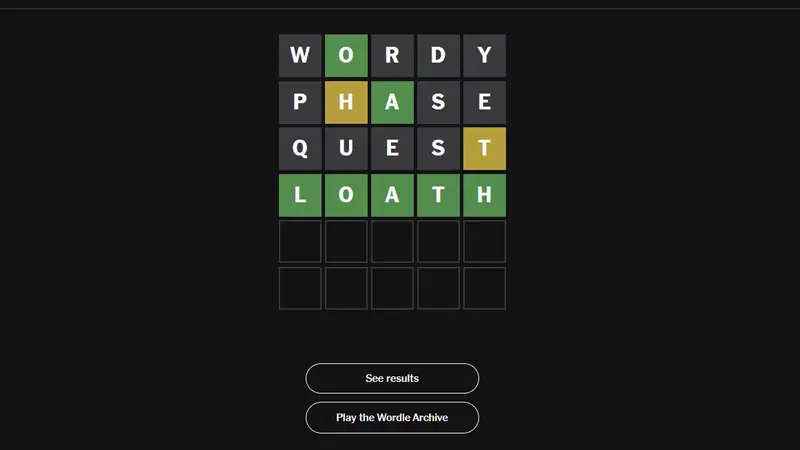
1. Wordle
Wordle gives you six attempts to find one five-letter word. The colored clues are easy to read, and the daily limit keeps a quick break from turning into a lost afternoon.
It is quiet, simple, and easy to compare with friends after everyone has played.
2. Wiki Roulette
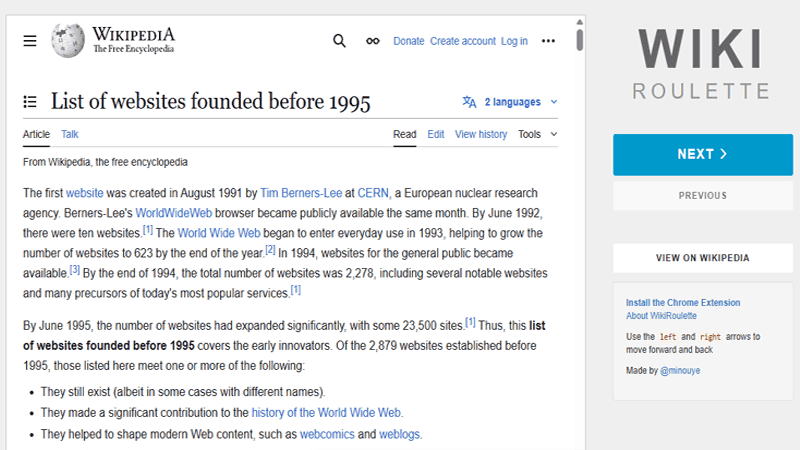
Wiki Roulette opens a random Wikipedia article with one click. You might get a forgotten politician, a species of moss, a railway station, or an event nobody in the room has heard of.
Read one page or keep rolling until something catches. It is procrastination with a reasonable chance of teaching you a fact.
3. Quick, Draw!
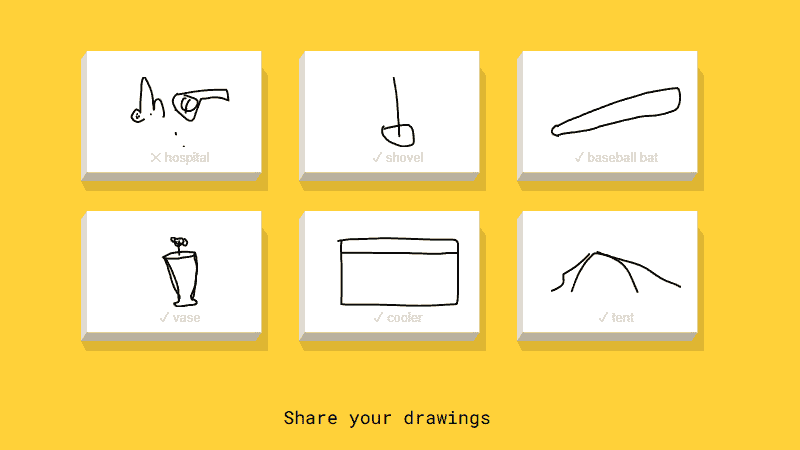
Google gives you a word and 20 seconds to draw it while an image model guesses aloud. Good drawing is optional. A shaky mouse sketch often makes the round funnier.
Six prompts take only a few minutes, and every round starts fresh.
4. Human Benchmark
Human Benchmark has short tests for reaction time, visual memory, number recall, typing, and aim. Each one produces a score, which means someone nearby will immediately insist they can beat it.
The reaction test is the quickest. The memory tests are better when you have a little longer.
5. Checkbox.toys
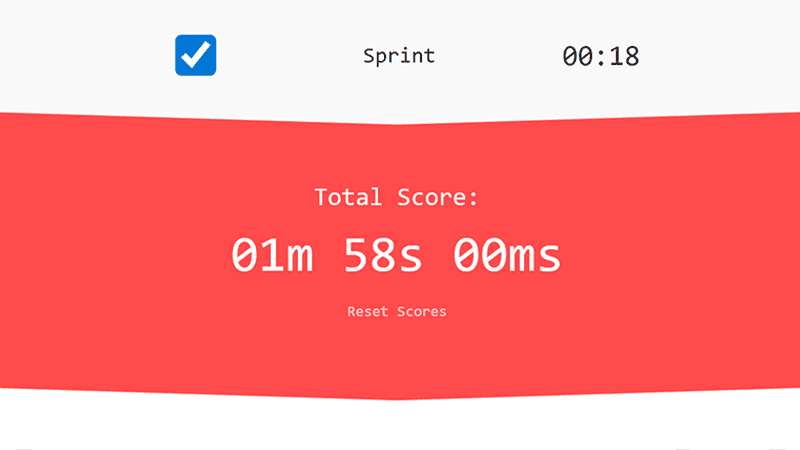
Checkbox.toys builds puzzles and small interactions out of the least exciting control on the web. The result is surprisingly playful and works without much explanation.
It is a good choice when you want to click at something without sound.
6. What Beats Rock
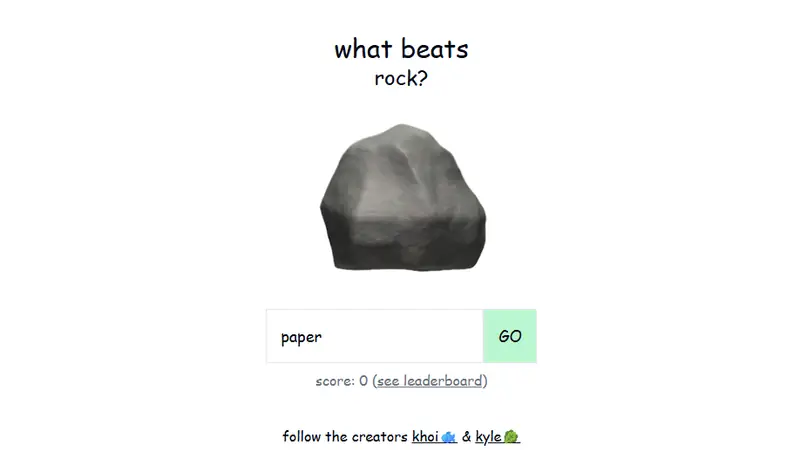
What Beats Rock asks you to name anything that could beat the current object. An AI judge decides whether your answer counts, then that answer becomes the next challenge.
The fun begins when obvious counters run out and the chain becomes increasingly unreasonable.
7. Color Controversy
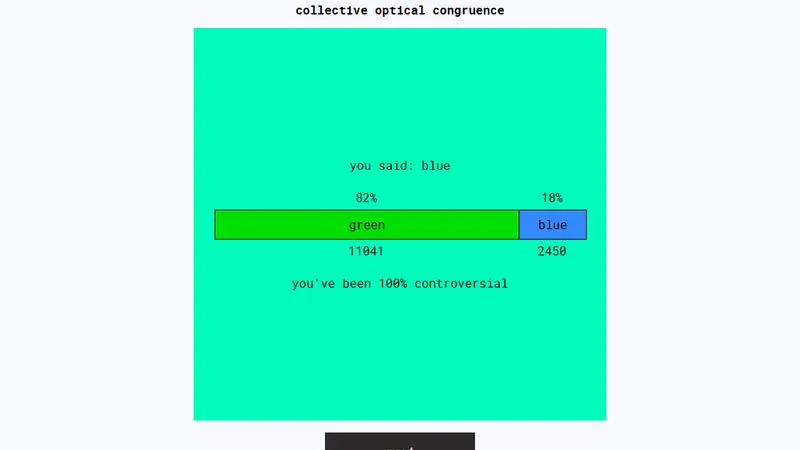
Is the color green or blue? Make a choice and the site shows how many visitors disagree with you. Some shades are easy. Others turn a basic color label into an argument.
Play alone, then hand it to another person and discover that you apparently see the world differently.
8. Colordle
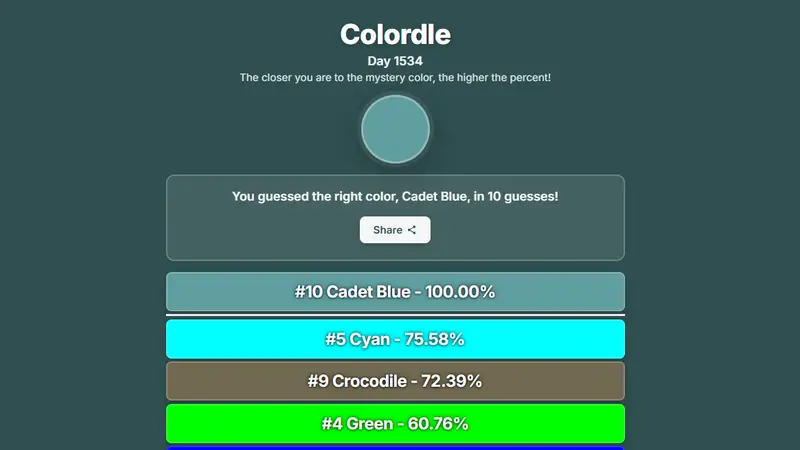
Colordle is a daily guessing game for named colors. Enter a color and receive a percentage showing how close it is to the target.
It has the daily rhythm of Wordle, but the guesses feel less logical and more like negotiating with your monitor.
9. TypingClub
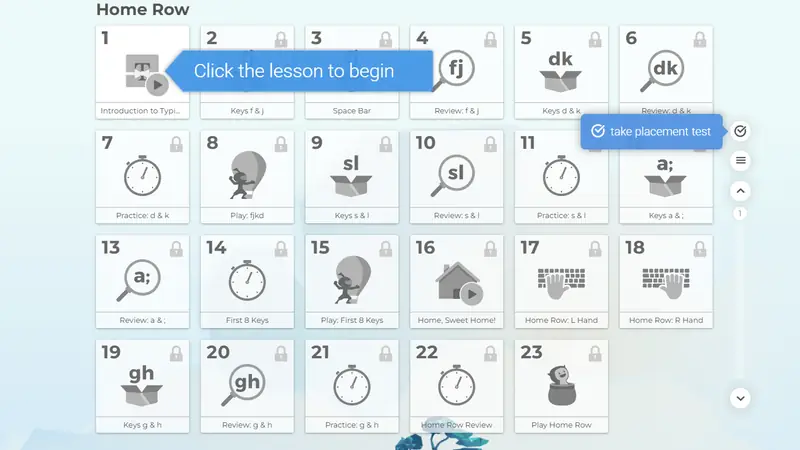
TypingClub is useful when you want your time-killing site to look defensible. Its guided lessons turn touch-typing practice into short levels with immediate feedback.
You can genuinely improve a practical skill while competing with yourself for a cleaner score.
10. The Wiki Game
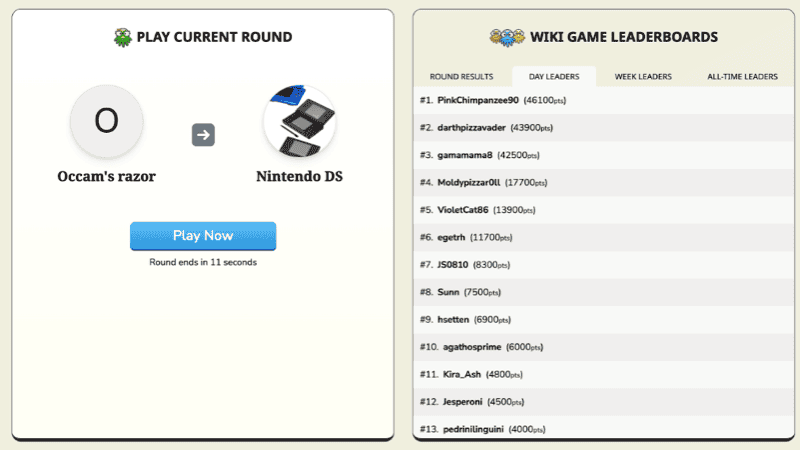
The Wiki Game gives you a starting Wikipedia page and a destination. Reach the target using only links inside the articles, preferably before everyone else.
It works as a solo puzzle, but racing a friend makes every wrong turn much funnier.
11. Dinosaur Game
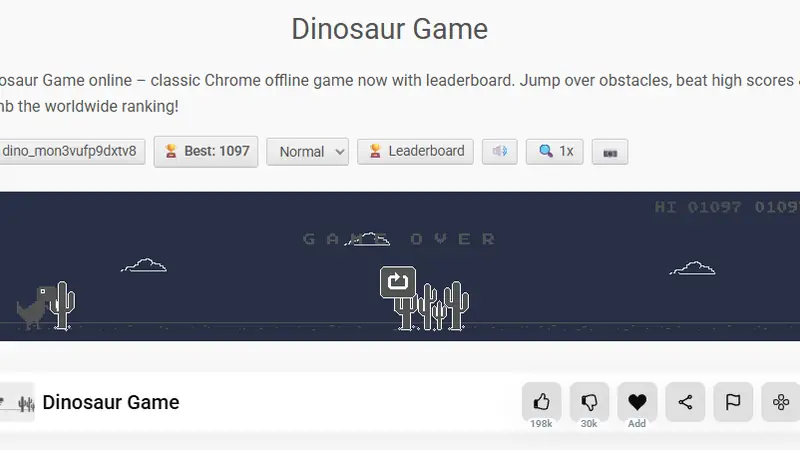
The Chrome dinosaur is no longer limited to moments when the internet disappears. This browser version adds scores and difficulty settings to the familiar one-button runner.
It loads fast, ends fast, and invites one more attempt every time you hit a cactus.
Need a longer break?
Our browser games list has more involved options. For pages that are funny without keeping score, browse the useless websites collection.